Xtool P3 Review: Elevating Your Crafts with Precision
5/4/2026
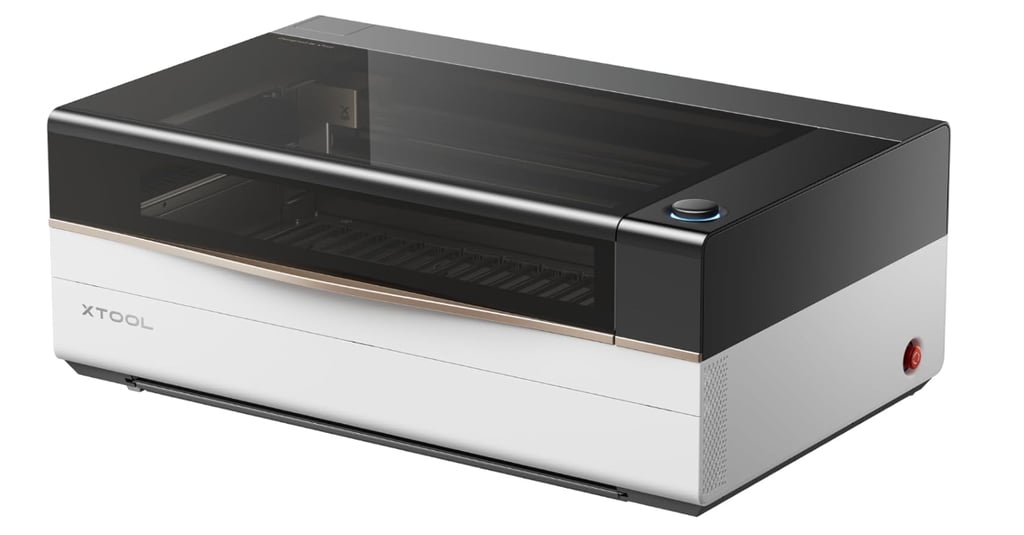
The Xtool P3 Laser Engraver
The xTool P3 laser engraver has quickly established itself as a standout in the world of laser engraving technology—and for good reason. Designed with both hobbyists and small business owners in mind, it delivers a powerful combination of precision, ease of use, and versatility that makes it far more than just another crafting tool. Whether you're creating personalized gifts, home décor, or products to sell, the xTool P3 opens the door to a whole new level of creativity.
Key Features of the Xtool P3
The Xtool P3 is engineered with a variety of features that cater to both novices and experienced users. One of the standout attributes is its impressive engraving speed. The machine operates efficiently, allowing my husband to complete projects in minimal time while maintaining a high level of detail. The Xtool P3 supports a multitude of materials, including wood, acrylic, leather, and metal. This flexibility means that whether you’re creating personalized gifts or unique architectural models, this engraver has you covered.
Learning Time
The xTool P3 comes with its own built-in software interface (XCS – xTool Creative Space), and once you get the hang of it, it makes uploading designs and customizing settings surprisingly straightforward.
Now, I’m going to be honest—there is a learning curve.
For us, figuring out orientation alone took a couple tries… okay, more like 15 tries before everything finally clicked. But once it did, everything started to feel much more intuitive. That’s really the turning point with this machine—there’s a short “figuring it out” phase, and then suddenly it all comes together.
What can I create?
Phone Cases
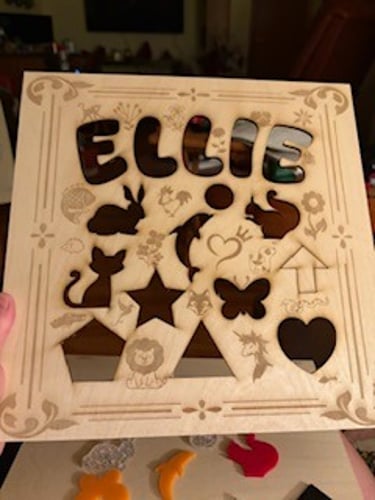
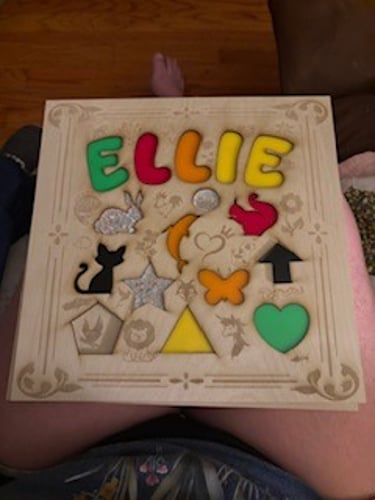
Personalized Name Signs
Personalized Magnet
Key Chains
Earrings
Engraved Tumber Cups - Special attachment required
Kids puzzle boards
Faux Stain Glass Hangers
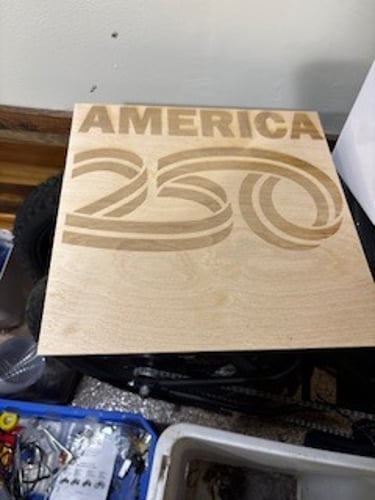
Wall Art
The possibilities are unlimited.
What to Consider Before Buying
No tool is perfect, and it’s worth knowing what you’re getting into:
Initial Investment – It’s not the cheapest option, but it reflects its capabilities
Learning Curve – There’s a short period of learning materials and settings
Workspace Needs – Requires ventilation and a dedicated area
Affiliate Disclosure
As an Amazon Associate, I earn from qualifying purchases. This comes at no additional cost to you and helps support content like this.
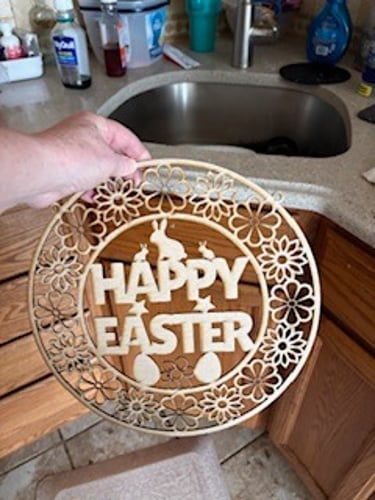
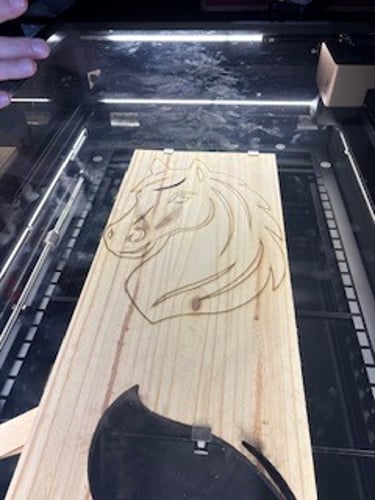
Items we've Created





Contact
Connect
jwashington@practicalmomhomepicks.com
© 2025. All rights reserved.
Affiliate Disclosure
Effective Date:5/02/2026
Practical Mom Home Picks participates in affiliate marketing programs, which means we may earn commissions on purchases made through our links to retailer sites. This comes at no additional cost to you.
We only recommend products and services that we genuinely believe provide value to our readers. All opinions expressed on this site are our own and are not influenced by affiliate partnerships.
As an Amazon Associate and participant in other affiliate programs, we earn from qualifying purchases.
We strive to provide honest, accurate reviews to help busy moms make informed buying decisions. However, we encourage you to do your own research before making any purchase.